
By EchoWings Media · Updated November 16, 2026
Your next customer may ask ChatGPT to help them find a service provider, compare businesses or research a purchase. That makes accurate business information an increasingly useful part of your online presence.
On November 10, OpenAI introduced Businesses in ChatGPT, a beta feature that lets eligible businesses claim their profiles, contribute updated information and see how people engage with them. Here’s what business owners should know—and how to get started.
What is ChatGPT Business Hub?
Business Hub is where businesses manage their presence within ChatGPT. OpenAI says it provides aggregated insights such as mentions, website clicks and discovery topics.
Eligible U.S. ecommerce and online service businesses can also create a separate Business Agent to answer questions about their offerings. Profile management and agent availability are different features, so don’t assume that claiming a profile automatically unlocks an agent.
How to claim your business
You must own the business or be authorized to represent it.
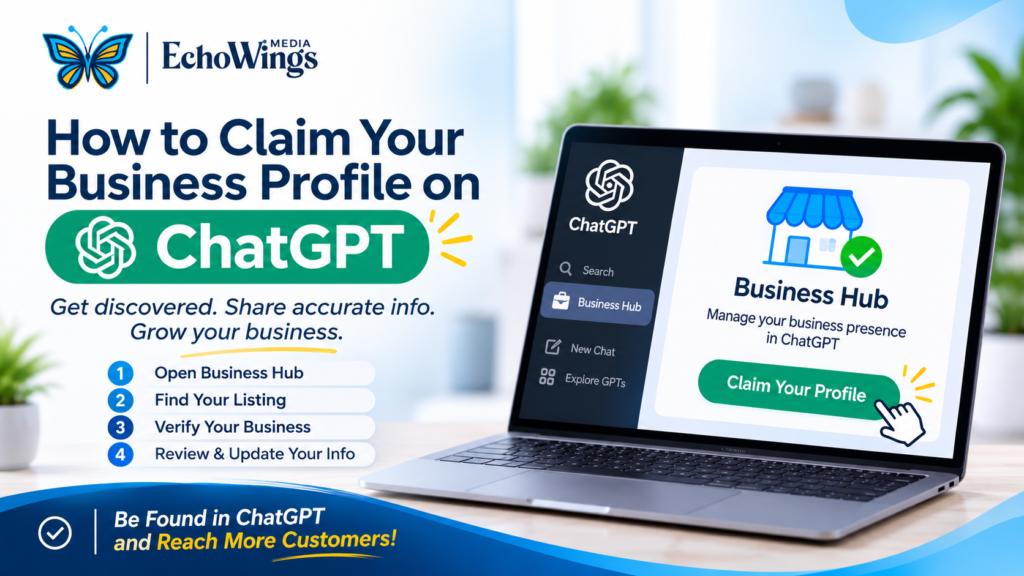
- Open Business Hub. Sign in to ChatGPT and select Business Hub in the sidebar.
- Find your listing. Search your business name, choose the matching result and confirm the managing account.
- Verify your connection. Follow an offered method: business phone, business email, website DNS record or Shopify.
- Wait for approval. Watch for OpenAI’s decision or request for more information.
- Complete Persona verification. This additional identity check is required to publish updates and view insights.
- Review your information. Check your website, description, category, branding and applicable policies.
Can’t find your business? Eligible online businesses may have an add option. Local stores and restaurants currently can claim only existing U.S. listings.
Important: When creating a new profile through Persona, approval automatically publishes it. Claiming does not guarantee more recommendations or visibility.
Use these official resources:
- Explore Businesses in ChatGPT
- Read OpenAI’s complete claiming and verification instructions
- Read the launch announcement
What should your business do next?
At EchoWings Media, our recommendation is to treat this as part of maintaining a clear, consistent business presence.
Before updating a profile, gather your approved business description, current website address, logo and service details. Compare that information with your website and other business listings. Would a potential customer understand what you do, where you work and how to contact you?
For a local service business, useful website content might include actual project examples, clear service-area information and answers to common customer questions. These give visitors practical reasons to consider your business.
Then measure what matters. Profile activity can be useful, but your business ultimately needs qualified enquiries, booked appointments and customers.
Want help making sense of SEO, AEO and GEO for your business?
Talk with EchoWings Media about your website, business information and AI-search goals. We’ll help you identify practical next steps and focus on the information your customers need to make a decision