
Google Business Profile (GBP) is essential for small businesses in Holland, Michigan, to appear in local searches and attract customers from Ottawa County and surrounding areas like Zeeland and Saugatuck. This complete Google Business Profile setup guide walks you through every step, from creating your profile to advanced optimization, helping your Holland MI business thrive in competitive local results.
Why Google Business Profile Matters for Holland MI Businesses
A well-optimized Google Business Profile can drive 70% more visits to your storefront or website, making it a powerhouse for local visibility in Michigan. For small businesses in Holland, MI—home to vibrant tulip farms, Lake Michigan beaches, and thriving retail—this free tool levels the playing field against bigger competitors.
In Ottawa County, where “near me” searches spike during tourist seasons, GBP influences the Local 3-Pack, the top three results that capture 45% of clicks. Skipping setup means missing out on customers searching “coffee shops Holland MI” or “plumbers near me Zeeland.” Optimized profiles also feed into Google Maps, AI Overviews, and voice search, amplifying reach across West Michigan. Businesses ignoring this miss out on the 85 million daily local searches on Google, many from mobile users driving along I-196 or exploring Windmill Island Gardens.
Local relevance is key in Holland, where tourism swells populations by 30% during Tulip Time. A strong GBP ensures your business appears when families query “family-friendly restaurants Holland MI” or “beach gear rentals near Lake Macatawa.” Statistics reveal that 56% of actions following local searches happen within 24 hours, turning browsers into buyers fast.
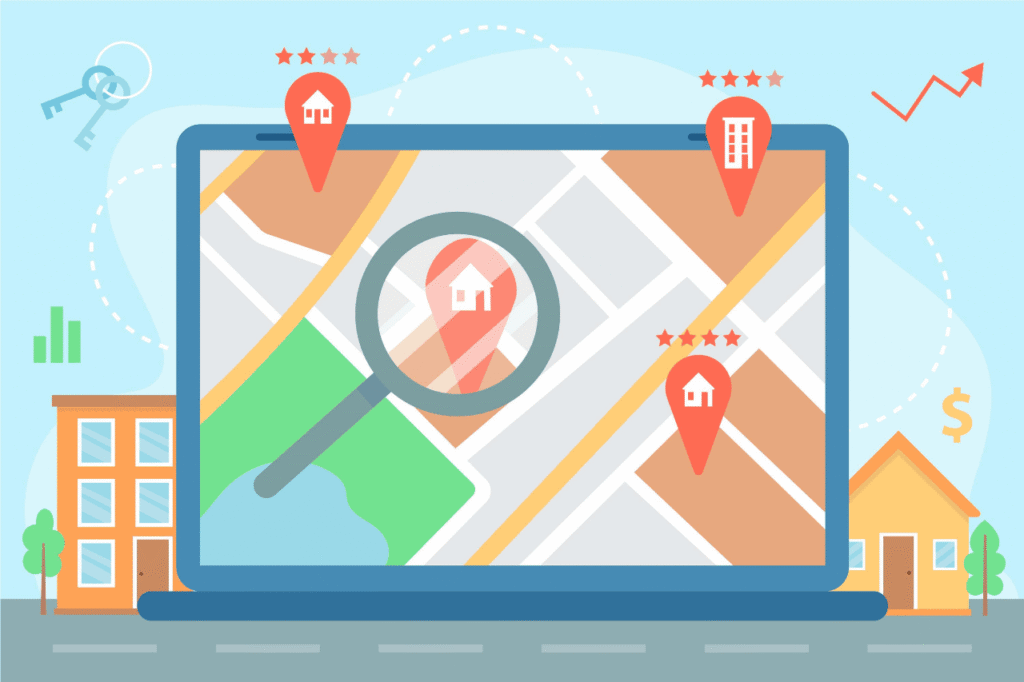
Step 1: Create Your Google Business Profile Account
Start by signing into a Google account—use your business Gmail for professionalism. Visit business.google.com, click “Manage now,” and search for your business name like “Holland Bakery” or “Ottawa County Auto Repair.”
If Google suggests an existing unclaimed listing, claim it to avoid duplicates that confuse searchers in Michigan locales. Enter exact business details matching your legal name—no keyword stuffing like “Best Holland MI Plumber” to comply with guidelines. This foundational step ensures NAP (Name, Address, Phone) consistency, a top local SEO signal. Take time here: mismatched info can suspend your profile, halting visibility for weeks.
Pro tip: Link your GBP to a Google Workspace account for seamless management across Search Console and Analytics, providing deeper insights into Holland-specific traffic patterns.
Step 2: Choose the Right Business Categories
Select a primary category that precisely matches your services, such as “Restaurant” for eateries or “HVAC contractor” for Holland’s harsh winters. Add up to 9 secondary categories for nuances, like “Bakery” and “Gluten-free restaurant” to capture long-tail searches.
Research competitors via Google Maps: Search “Holland MI dentist” and note top profiles’ categories. Accurate categories boost relevance for queries like “Google Business Profile categories for small businesses,” improving rankings in Ottawa County. Categories act as Google’s way of understanding your niche—think “Tulip farm tour guide” for seasonal operators or “Snow plow service” for winter warriors in West Michigan.
Expand thoughtfully: A landscaping firm might add “Lawn mowing service,” “Tree service,” and “Hardscape contractor” to snag searches varying by season, from spring blooms to fall leaf cleanup.
- Primary: Core service (e.g., “Landscaper”)
- Secondary: Variations (e.g., “Lawn care service,” “Snow removal service”) for Michigan seasons
- Additional: Niche specifics (e.g., “Organic lawn care” for eco-conscious Zeeland clients)
Step 3: Add Your Address and Service Areas
For storefronts in Holland, MI, input your exact address like 123 E 8th Street, ensuring it matches public records. Service-area businesses (SABs), common in West Michigan plumbing or cleaning, hide home addresses and define radii up to 2 hours’ drive, covering Saugatuck, Douglas, and Grand Haven.
Specify cities (Holland, Zeeland), ZIPs (49423), and counties (Ottawa) for local intent. Google’s algorithm favors precise areas, enhancing “near me” visibility—critical as 46% of searches have local intent. For SABs, list every serviced town: Fennville, Douglas, and even Allegan County edges to maximize coverage without overextending.
Real-world example: A Holland electrician serving 20-mile radii includes “Holland MI electrician near me,” pulling in jobs from coastal vacation homes. Always verify boundaries—overclaiming leads to suspensions.
Step 4: Enter Contact Details and Website
Add a local phone number (616 area code) and your website URL, linking to a Holland-specific landing page for better conversions. Enable messaging for quick customer chats, boosting response rates that signal trustworthiness to Google.
Include hours: Note holiday adjustments for Tulip Time Festival or winter closures in Michigan. Consistent details across Yelp and Facebook prevent ranking penalties. Special hours for events like the Holland Good Old Days festival keep accuracy high, as Google penalizes mismatches detected via user reports.
Enable appointment booking if applicable—integrates calendars directly, streamlining for services like salons or mechanics.
Step 5: Verify Your Google Business Profile
Verification unlocks full features. Prefer postcard (5-14 days) to your Holland address, entering the PIN code online. Alternatives: Phone (instant for some), email, video (upload 30-90 second clips of storefront/signage), or bulk for chains.
In 2026, Michigan businesses report faster phone verification for established profiles. Post-verification, your listing goes live on Maps and Search, eligible for Local Pack in “Holland MI services.” Video verification shines for SABs: Pan your truck signage, service tools, and a local landmark like the Big Red Lighthouse.
Troubleshooting Tips:
- No postcard? Request again after 5 days.
- SABs: Use service areas only—no address needed.
- Errors: Contact Google support via dashboard.
- Suspended? Appeal with proof of operations in Ottawa County.
Step 6: Upload High-Quality Photos and Videos
Profiles with 100+ photos get 520% more calls; prioritize logo, cover (1600x400px), exterior (interiors for retail), team, products, and 360° views. For Holland businesses, showcase Lake Macatawa sunsets or Windmill Island tulips to evoke local pride.
Add geotags and alt text with keywords like “Holland MI bakery interior.” Videos of operations (under 30s) engage users, increasing dwell time. Update seasonally: Summer beach setups, fall harvest displays, winter cozy interiors.
Customer photos matter too—encourage uploads for authenticity, as user-generated content ranks higher in visual packs.
- Exterior: Daylight shots with signage clear.
- Products: High-res, multiple angles, lifestyle staging.
- Team: Smiling staff builds trust; tag roles.
- 360° Tours: Use free apps for immersive virtual walks.
Step 7: Optimize Business Description and Attributes
Write a 750-character description weaving primary keyword naturally: “Expert Google Business Profile setup guide for small businesses in Holland, MI, offering tailored local SEO.” Highlight USPs like “Serving Ottawa County since 2010” with LSI terms: local SEO, GBP optimization, verification, categories, service areas.
Attributes (free checkboxes): “Wheelchair accessible,” “Free Wi-Fi,” “Veteran-owned” match user filters. Semantic entities like “Ottawa County Chamber of Commerce member” boost authority. Craft for skimmers: Front-load benefits, end with calls like “Call today for Lake Michigan views.”
Step 8: Add Products, Services, and Posts
List services with descriptions/pricing: “Plumbing repair $99—Holland MI emergencies.” Products for retail: Link to e-commerce.
Posts (weekly): Updates, offers (“20% off for Zeeland locals”), events (Tulip Festival tie-ins). These expire after 7 days but signal freshness. Types include “What’s new” for menu changes, “Events” for farmers markets, “Offers” for seasonal deals.
Step 9: Manage Reviews and Q&A
Respond to all reviews within 24 hours—positive amplifies, negative shows resolution. Encourage via emails: “Share your Holland MI experience!” Personalize: “Thanks, John, for loving our tulip-themed cakes!”
Seed Q&A: Answer preemptively like “Do you serve Grand Haven?” to control narrative. Stats show 94% read reviews; 5+ boost rankings. Aim for 4.5+ stars—Holland’s community-driven market rewards responsiveness.
Step 10: Leverage Insights and Continuous Monitoring
Dive into GBP Insights: Track search terms like “Google Business Profile setup guide near me,” view trends, and actions (calls, directions). Compare photo views to competitor benchmarks.
Monthly audits: Update for Michigan weather shifts, holidays. Integrate with Google Analytics for full-funnel tracking—see which “Holland MI” queries convert.
Advanced Optimization for Michigan Local SEO
Integrate GBP with website schema (LocalBusiness JSON-LD). Audit monthly: Proximity, relevance, prominence factors. Voice search optimization: Natural phrases like “Hey Google, find auto shops in Holland.”
For SABs: Hide address, expand areas ethically. Multi-location: Link profiles under one manager account.
| Optimization Element | Best Practice | Holland MI Impact |
| Categories | Primary + 9 secondaries | Matches “Holland plumber” |
| Photos | 100+ with geotags | Seasonal appeal (tulips, beaches) |
| Reviews | Respond <24h | Builds Ottawa County trust |
| Posts | Weekly events/offers | Ties to local festivals |
| Service Areas | Cities/counties | Covers Zeeland, Saugatuck |
| Insights | Monthly review | Adapts to tourist spikes |
Frequently Asked Questions (FAQ)
Q. How long does Google Business Profile verification take in Holland MI?
A. Typically 5-14 days for postcard; phone or video can be instant.
Q. What if my business has no physical address in Michigan?
A. Use service areas for SABs like home services—cover Ottawa County without listing home.
Q. Can I change GBP categories after setup?
A. Yes, anytime in dashboard; match top Holland competitors for better rankings.
Q. How many photos should a Holland MI business upload?
A. Aim for 100+; exteriors, interiors, products for 520% more engagement.
Q. Does GBP help with “near me” searches in West Michigan?
A. Yes, optimized profiles dominate 46% local intent queries.
Q. What’s the best primary category for multi-service businesses?
A. Choose the most specific; add secondaries for breadth.
Q. How to add service areas for Zeeland and Grand Haven?
A. Enter cities, ZIPs, counties—up to 20 areas.
Q. Are GBP posts important for local SEO?
A. Yes, weekly posts improve freshness signals.
Q. How do I track GBP performance in Ottawa County?
A. Use Insights dashboard for searches, views, and actions.
Conclusion
Mastering Google Business Profile setup guide positions your small business at the top of Holland, MI searches, driving foot traffic from Lake Michigan tourists and locals alike. Download our free GBP checklist to implement these steps today.
Ready to optimize? Contact EchoWings Media for expert local SEO help in Holland, Michigan.